ASUS RT-AX89X AX6000 6Gbps Dual Band WiFi 6 Router, 12-Stream 6000Mbps Wi-Fi Speed, Dual 10G Ports, MU-MIMO, OFDMA, AiProtection
Couldn't load pickup availability
- Risk-Free Payment
- 2-11 Days Fast Shipping
- Free Returns & Exchanges
Friendly reminder!
Two Options:New and Used. Thank you!
New:100% New, 100% Working, 3 Year Warranty.
Used:95% like New, 100% Working, 3 Year Warranty.
.
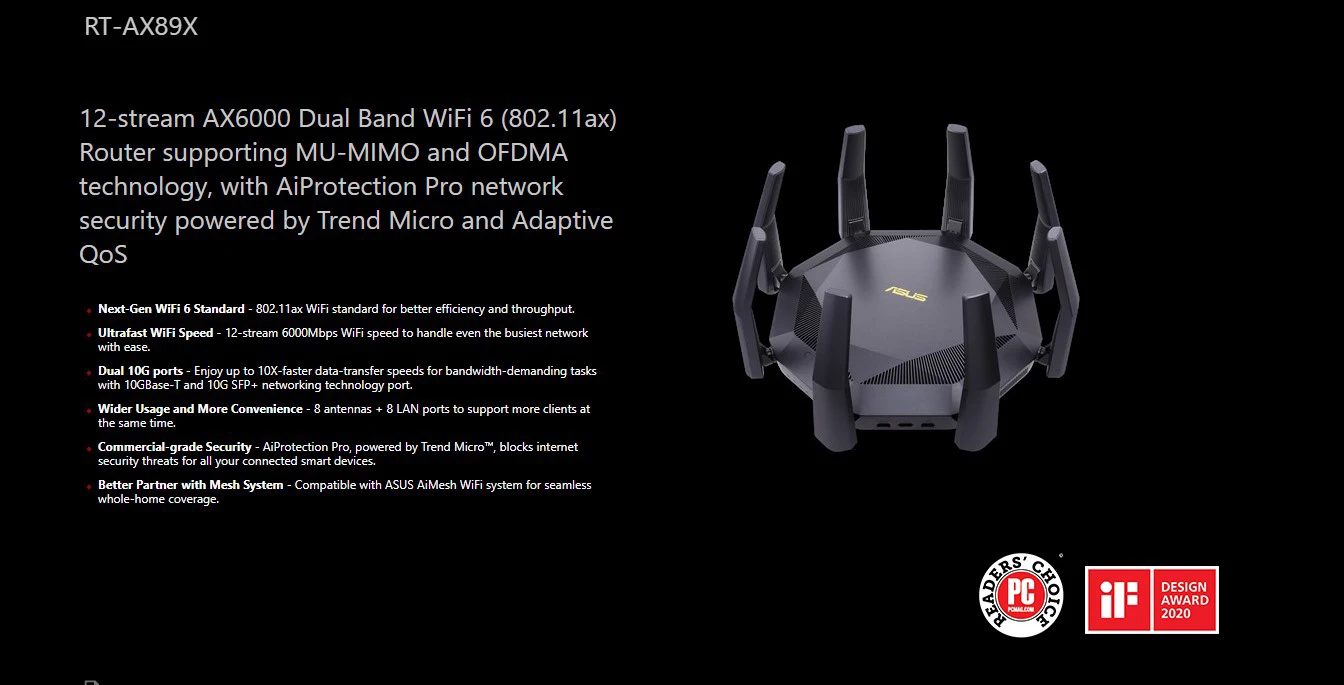
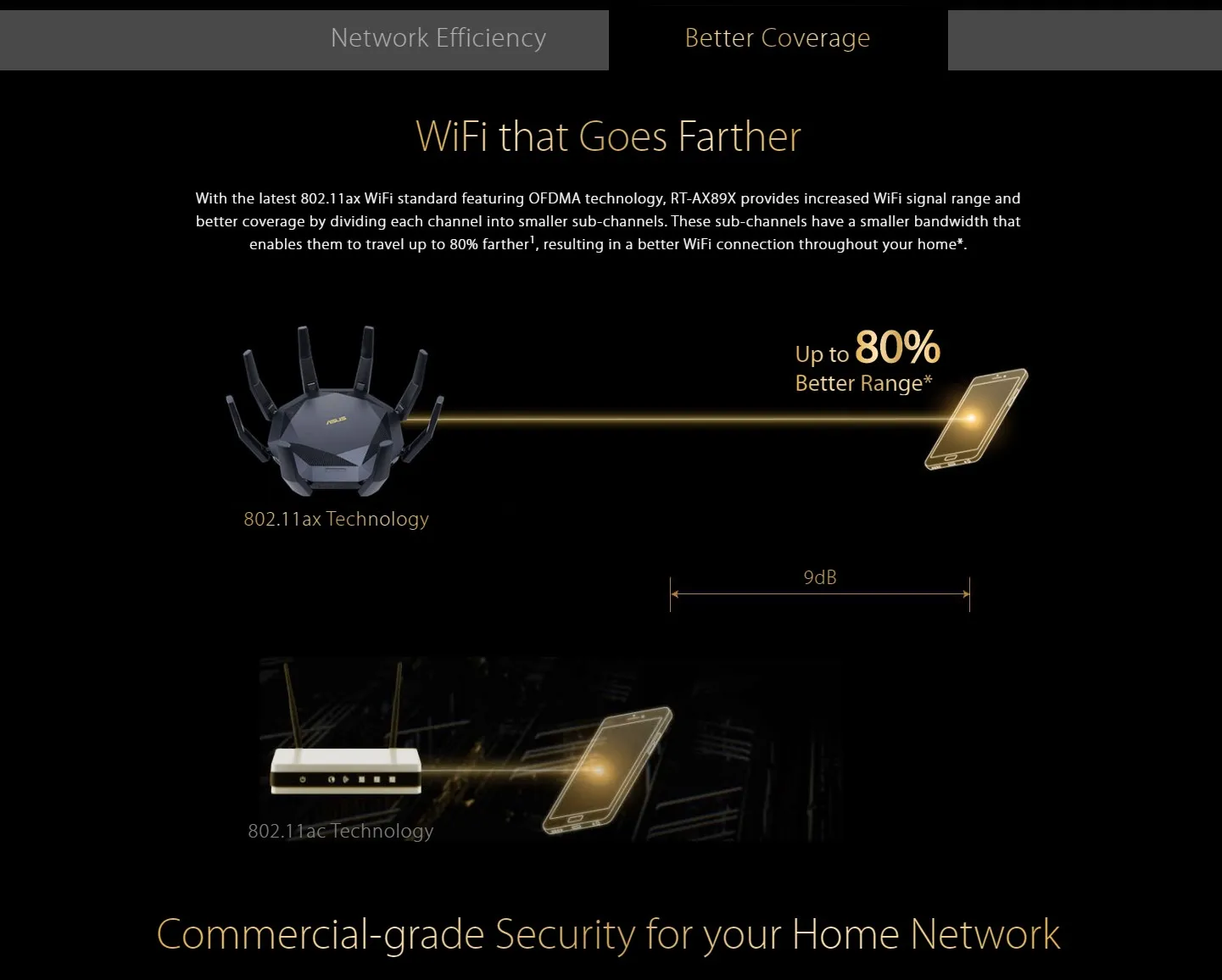
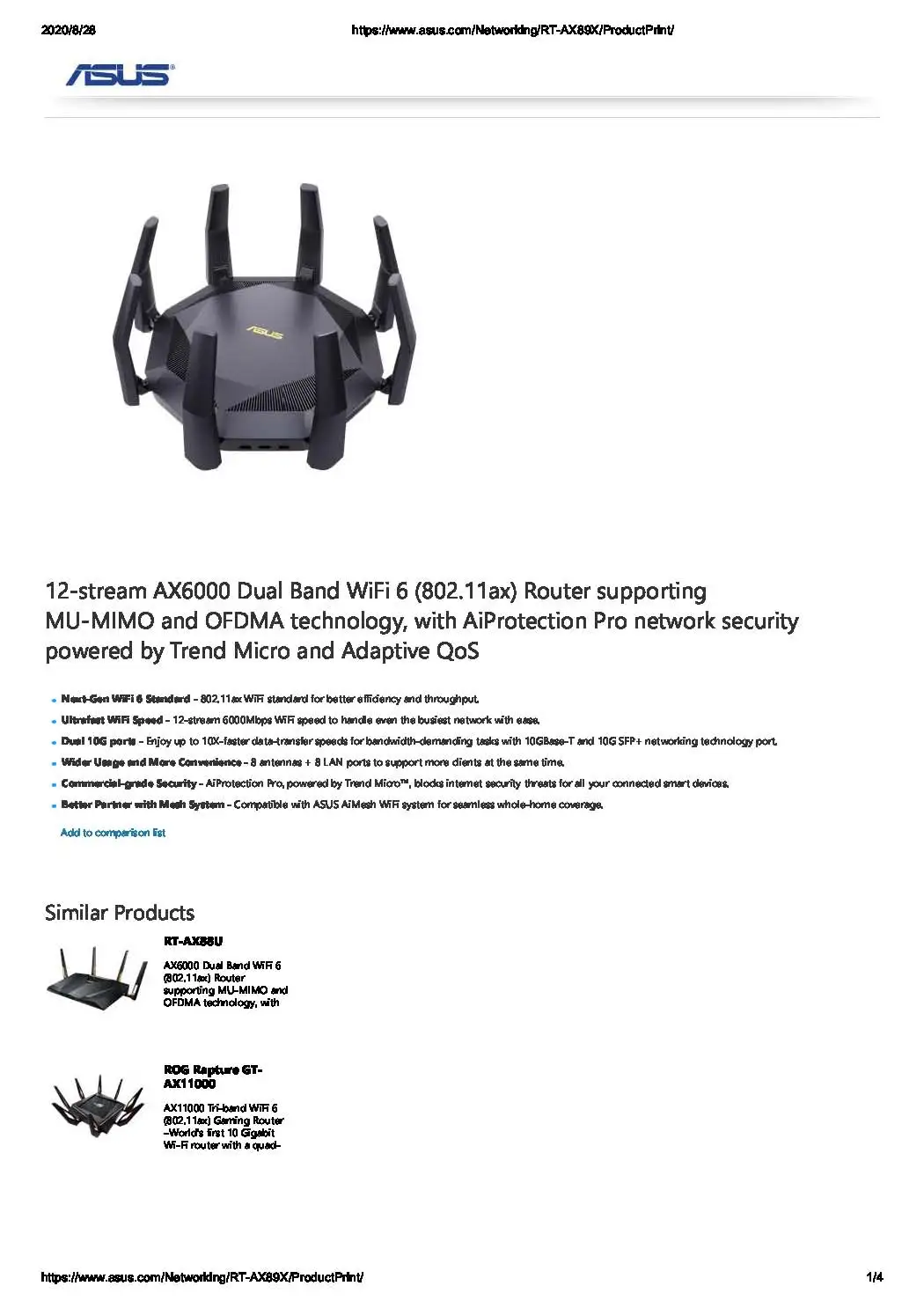
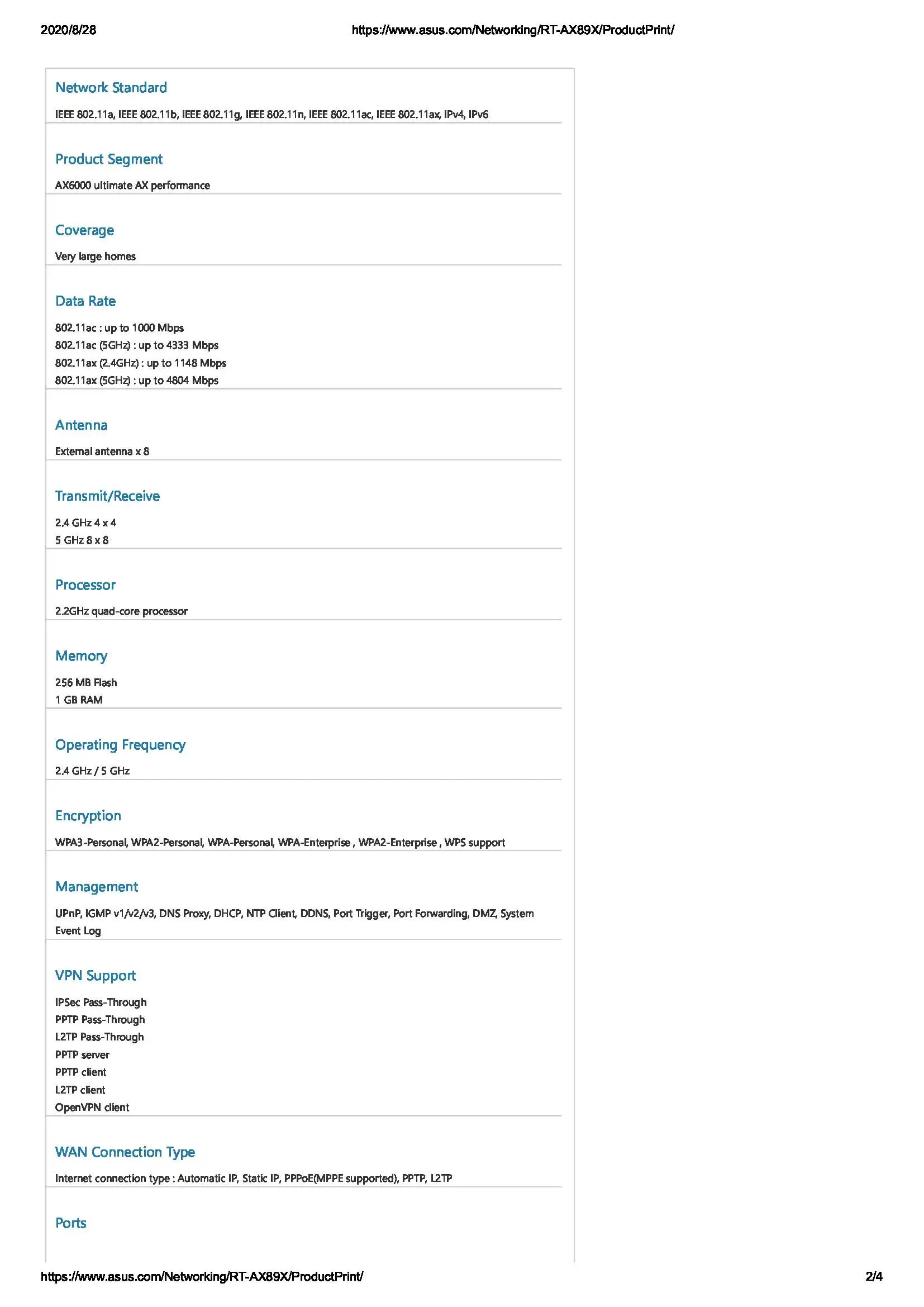
12-stream AX6000 Dual Band WiFi 6 (802.11ax) Router supporting MU-MIMO and OFDMA technology, with AiProtection Pro network security powered by Trend Micro and Adaptive QoS
-
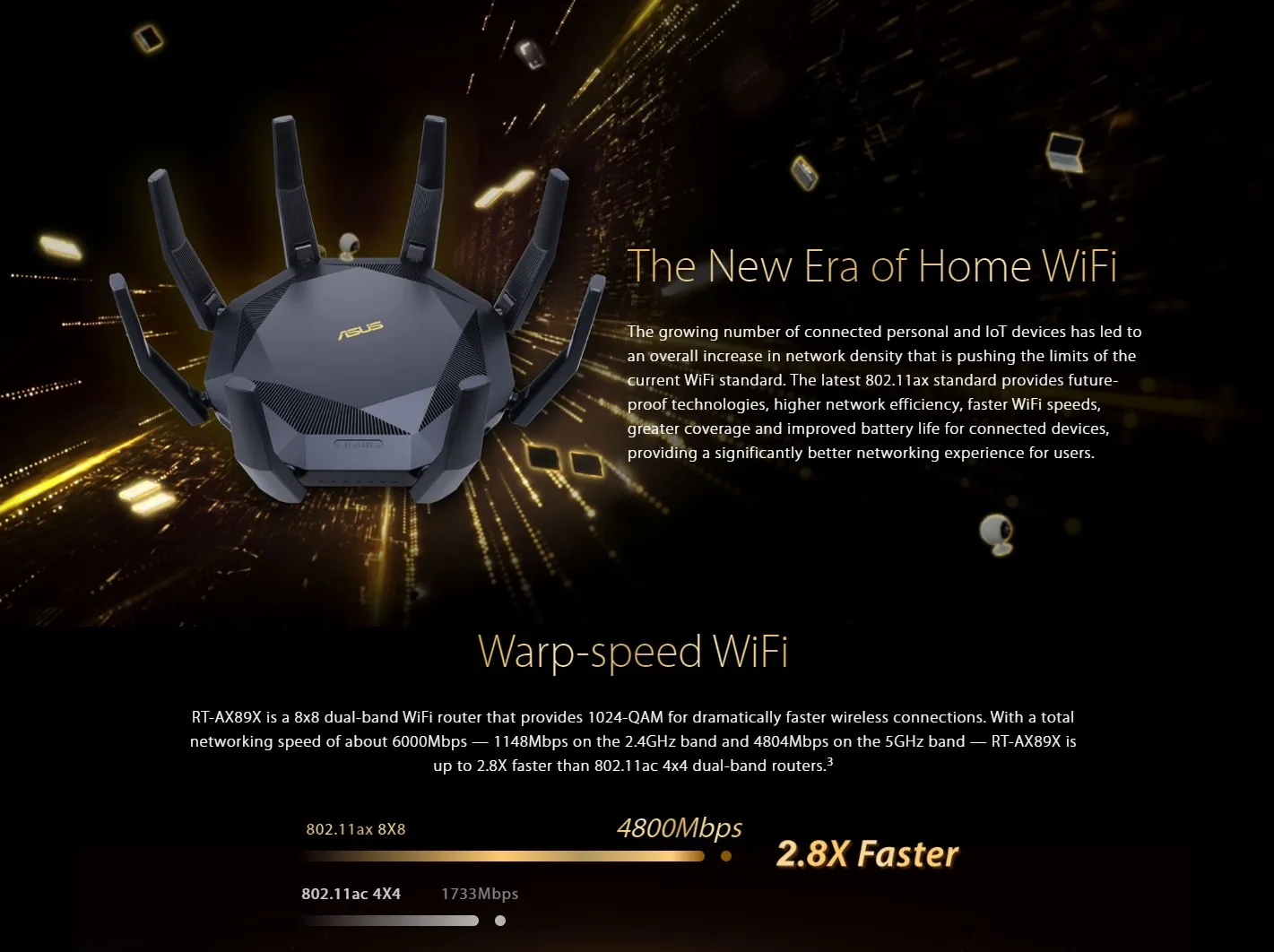
Next-Gen WiFi 6 Standard - 802.11ax WiFi standard for better efficiency and throughput.
-
Ultrafast WiFi Speed - 12-stream 6000Mbps WiFi speed to handle even the busiest network with ease.
-
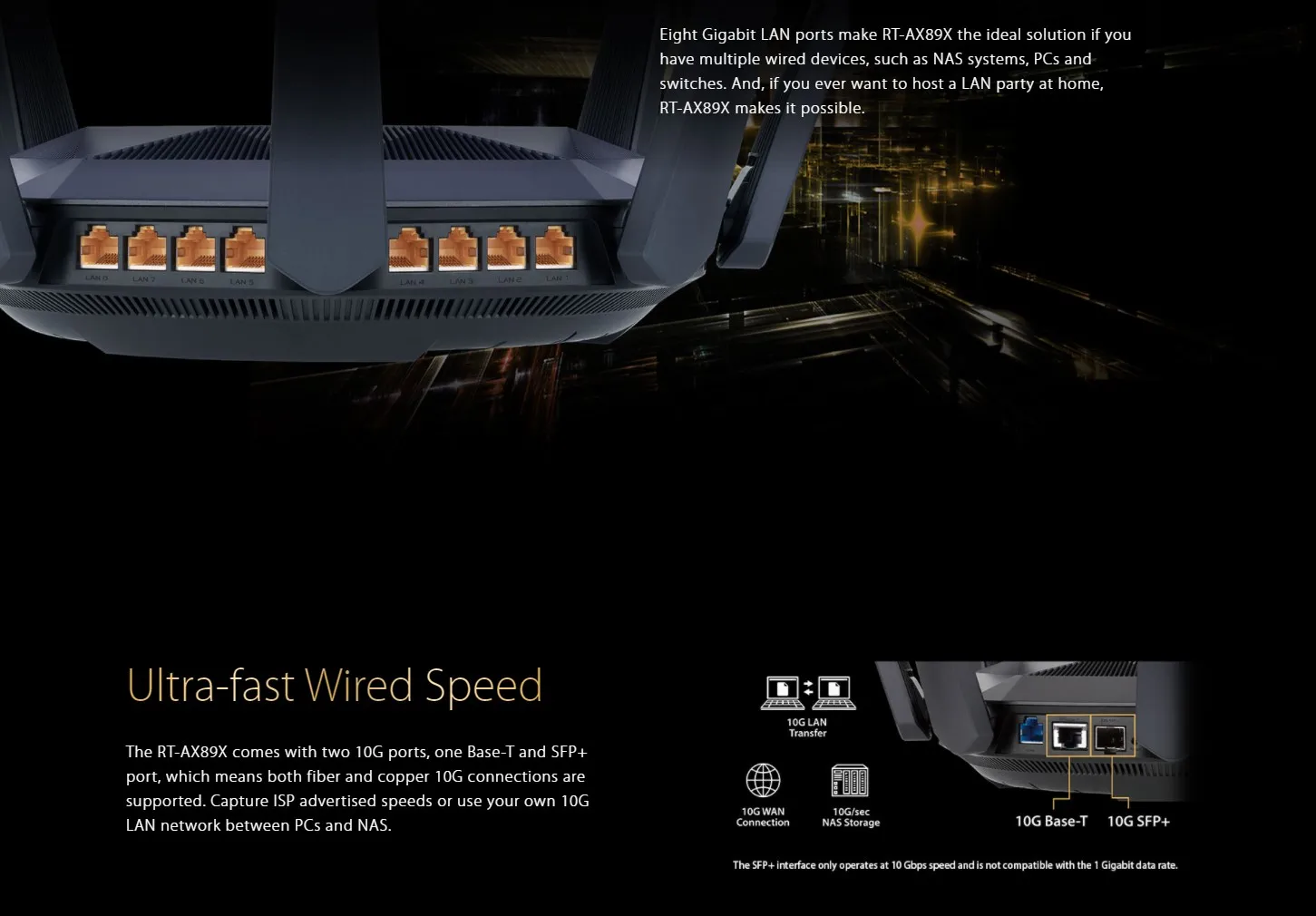
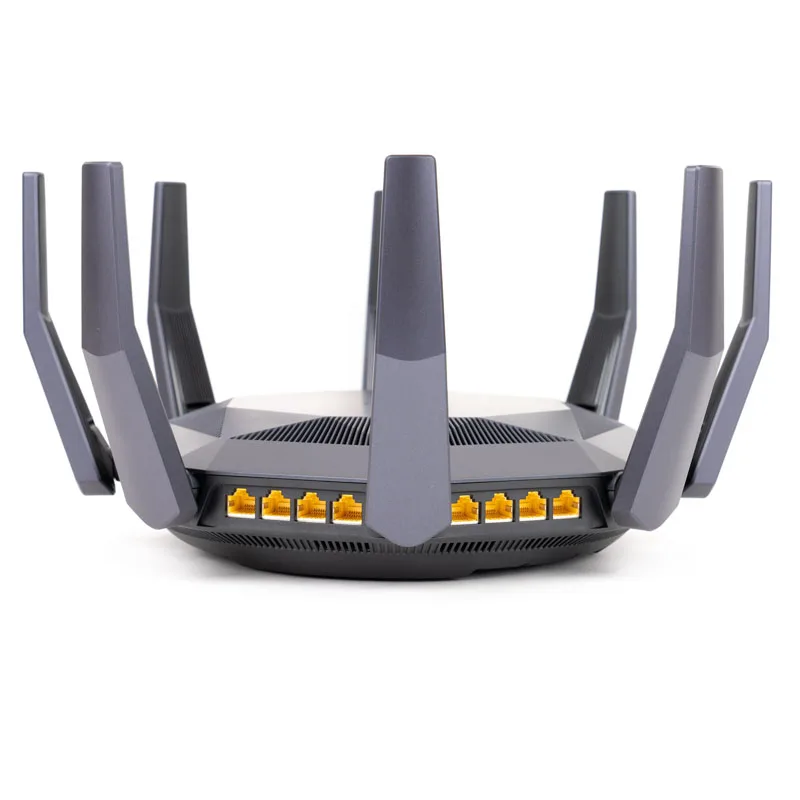
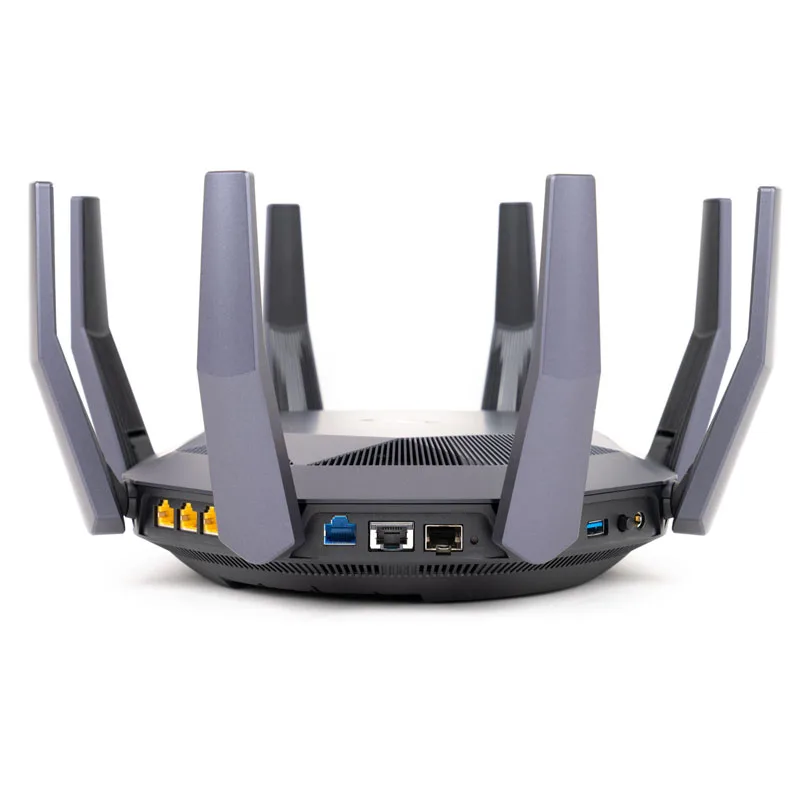
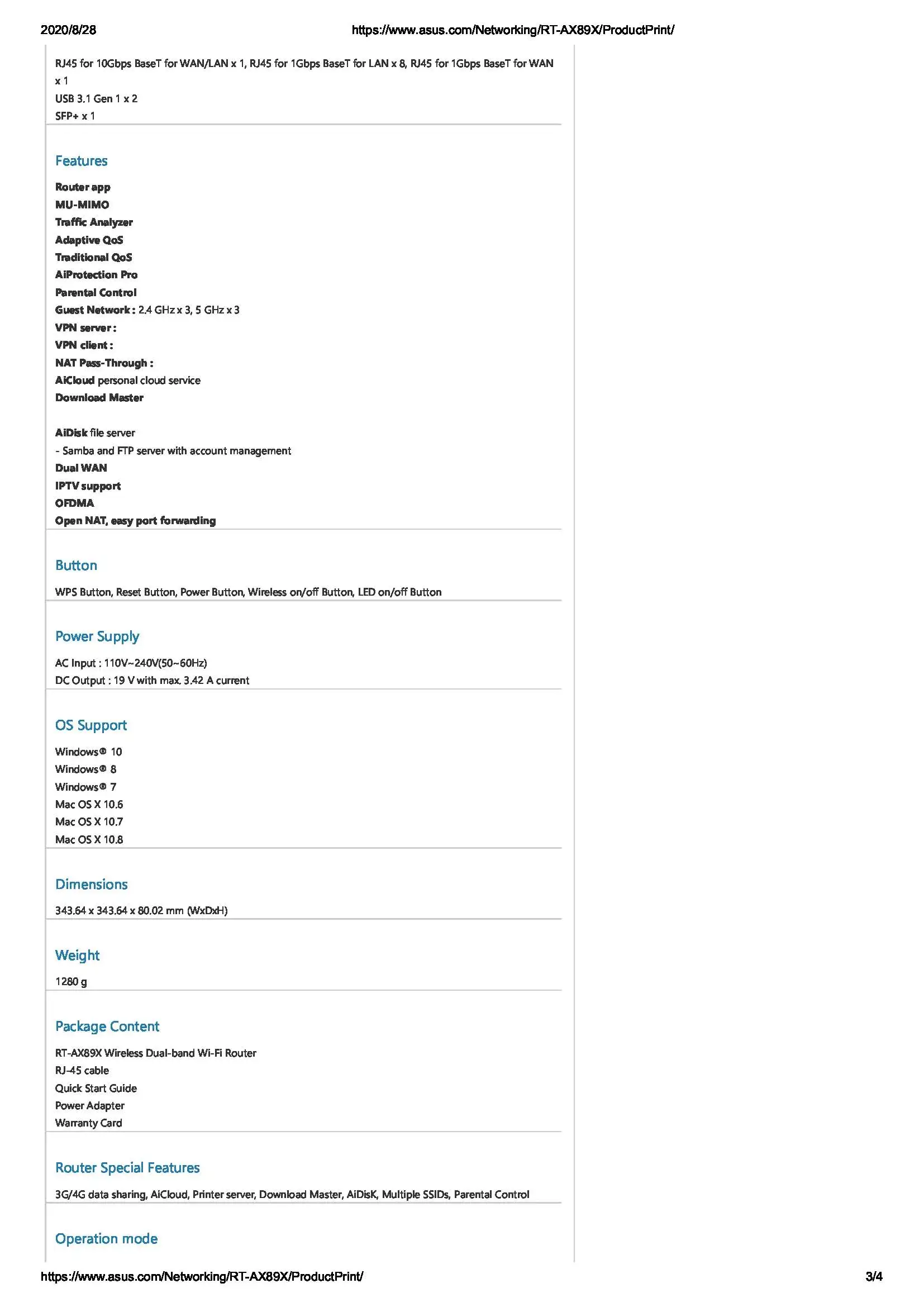
Dual 10G ports - Enjoy up to 10X-faster data-transfer speeds for bandwidth-demanding tasks with 10GBase-T and 10G SFP+ networking technology port.
-
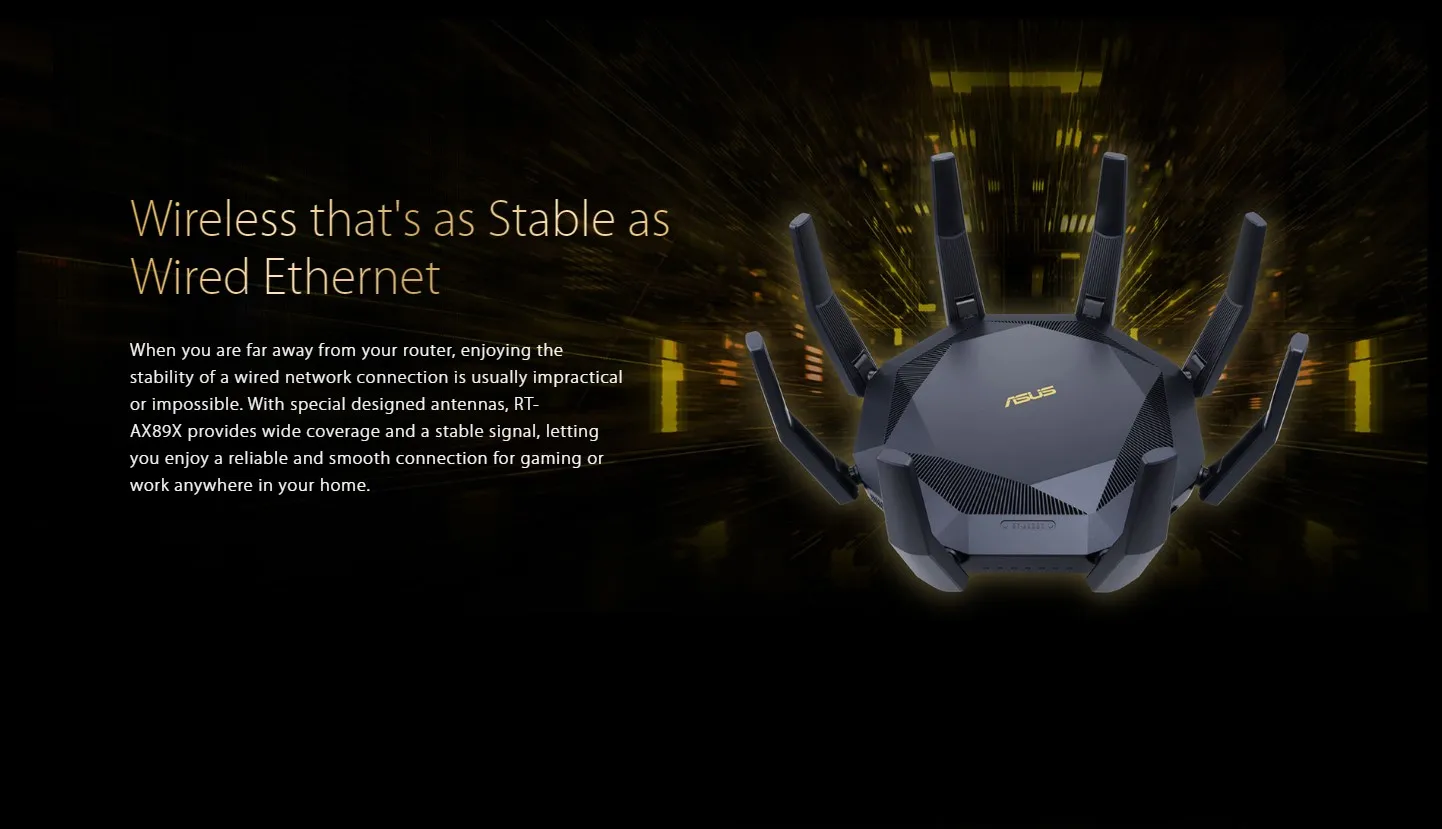
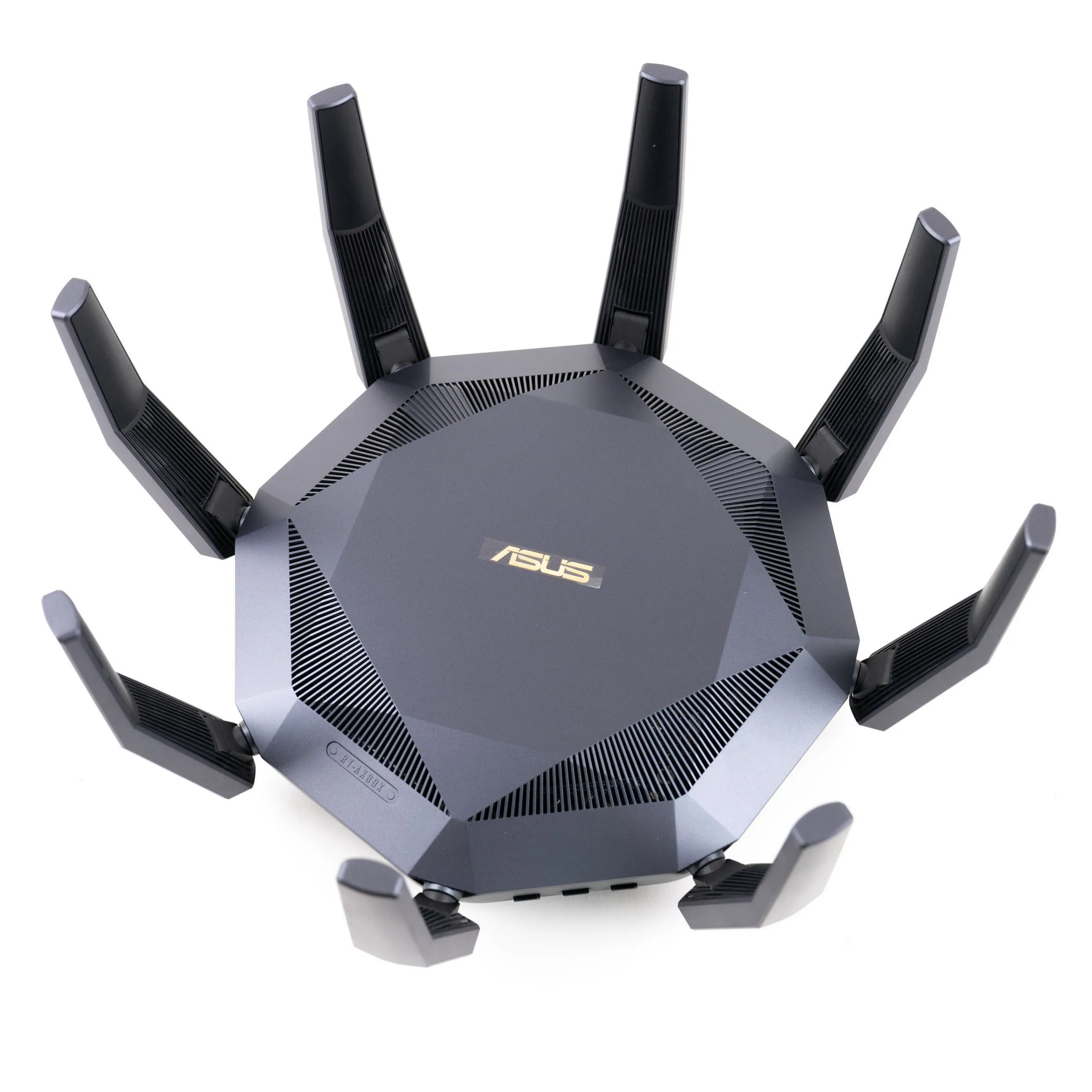
Wider Usage and More Convenience - 8 antennas + 8 LAN ports to support more clients at the same time.
-
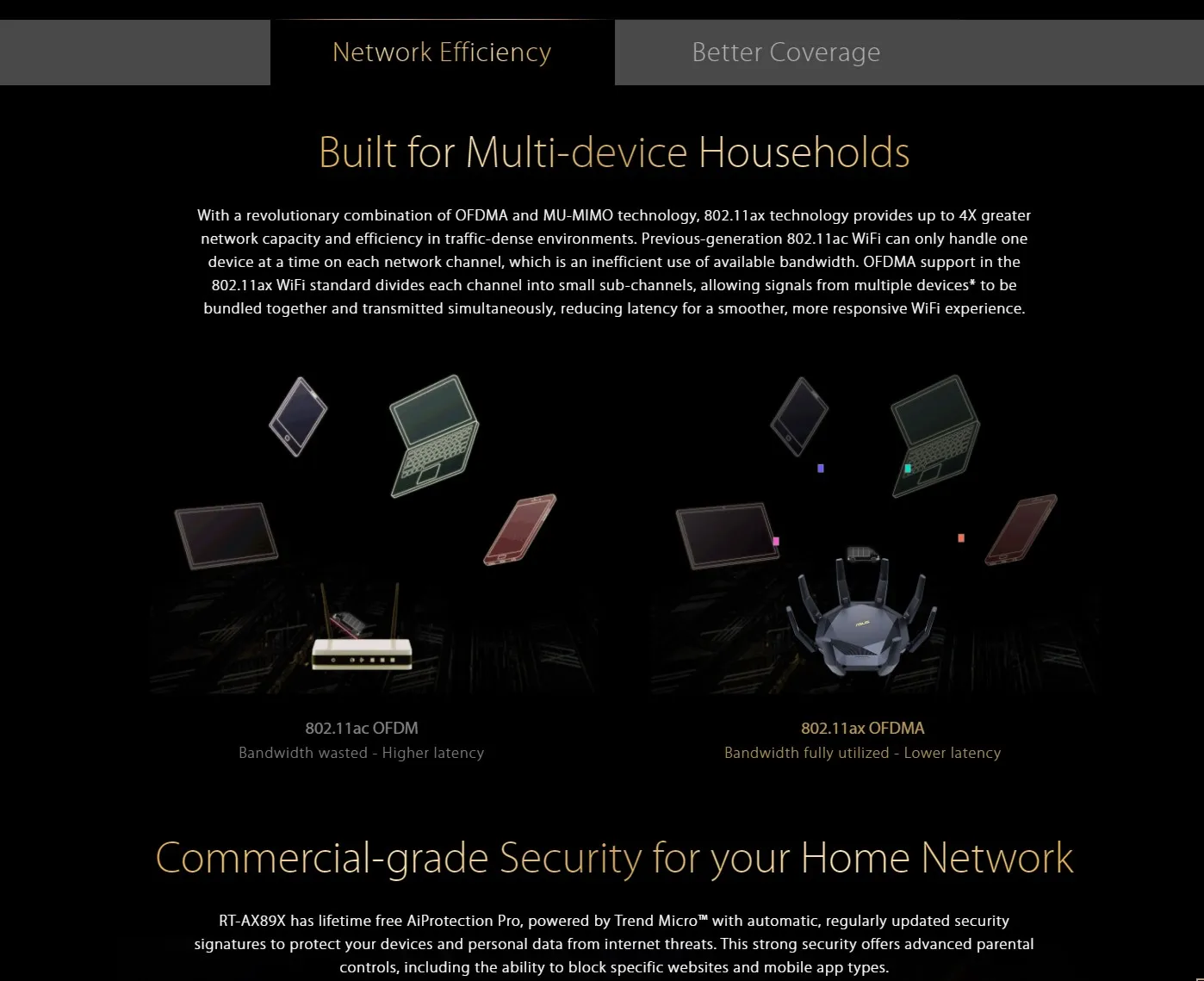
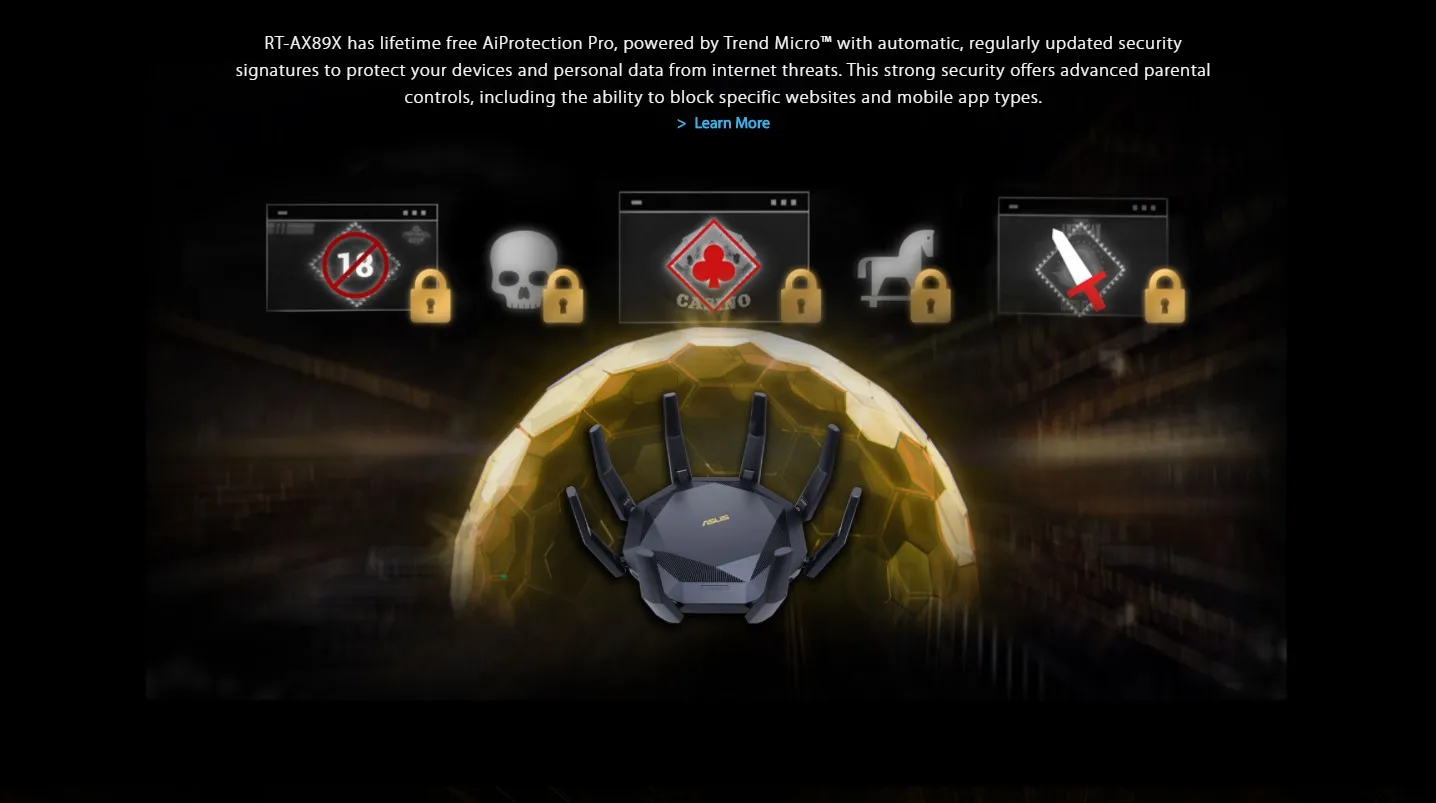
Commercial-grade Security - AiProtection Pro, powered by Trend Micro™, blocks internet security threats for all your connected smart devices.
-
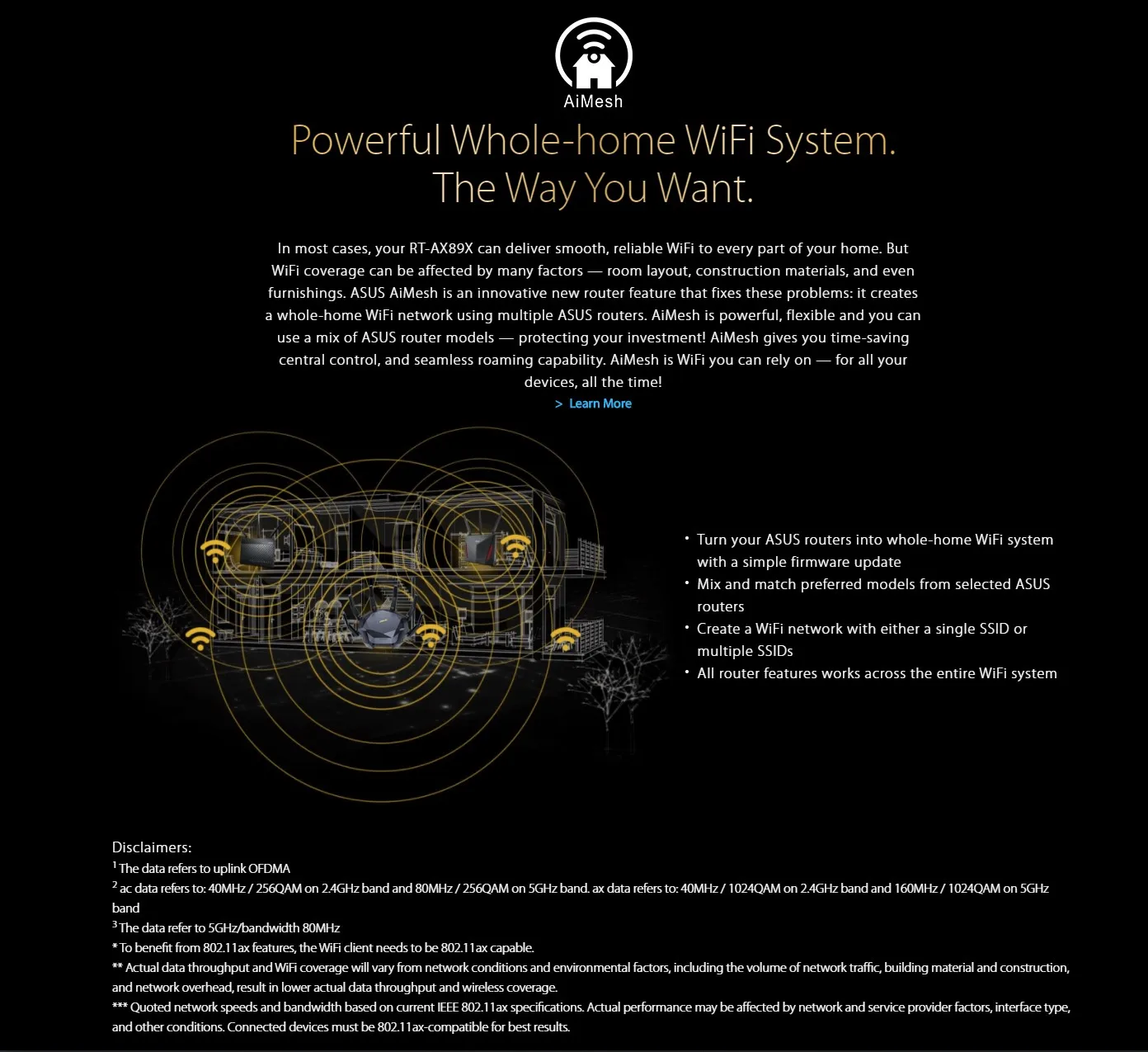
Better Partner with Mesh System - Compatible with ASUS AiMesh WiFi system for seamless whole-home coverage.




Get a Quote from Us
- Request Description: Please describe your requirements in detail so we can tailor the quote to your needs.
- Product/Service Selection: Let us know the products or services you are interested in so we can provide an accurate quote.
- Budget Range: If you have a budget in mind, please share it, and we will suggest options within that range.
Contact form
I wanted a router with 10 Gbe connectivity to my 10Gbe home network backbone, and this fit the bill. Great signal. AiMesh works great with AX88. Stable. Two 10GBe options (SFP+ or RJ45).
In March of 2019 I purchased a state-of-the-art router from a different manufacturer that incorporated the AX and AC protocols. Unfortunately, following a manual firmware update in June of this year, that router no longer served my purpose. Specifically, the 33 devices that previously worked flawlessly with their reserved IP address from the router intermittently began to fail. As it turned out, I found that after a factory reset, adding the 19th address reservation intermittent problems began to happen that progressively got worse as more reservations were made. The manufacturer was not helpful resolving the issues—despite the extended warranty I had purchased when I registered the router. In August of this year I gave up and got rid of that router for the ASUS RT-AX89X router.
As it turns out, the RT-AX89x works better than on-line advertisements which indicate that one may make up to 30 IP address reservations. As I was setting up this router, the menu indicated I could reserve up to 64. With this router I have a faster ethernet; e.g., transferring data between my Western Digital cloud devices runs up to 95 MBs on gigabyte files as opposed to the previous router providing 35 MBs transfers. Also, ethernet devices connected using AC power line transfer devices have increased by 15 Mbs. A feature of this router that’s important to me was being able to block MAC addresses other than those manually entered into separate tables, one for each of the two WiFi frequencies. Finally, I like the lifetime automatically updated AiProtection Pro with Trend Micro that provides real-time network monitoring to detect malware, viruses, and intrusions before they can reach my private network. Additionally, this AiProtection provides for network parental controls. Clearly, this is an outstanding router for today’s smart homes.
While I have made this review for a 90-day extension of my warranty by Asus, I planned to do this anyway. Its a router for the serious user.
A review of this router from an audiophile's perspective. I've had the RT-AX-89X router installed in my home network for almost 5 months now. It's been very stable and reliable. A few minor things have occurred but are usually fixed with the next firmware update. But nothing that would take the router offline completely.
I run a NAS with a 10g NIC with sfp+ module installed for fiber and this run goes directly into the 10g fiber input of this router. This is where I store both music and movies. Music on an SSD and movies in a RaidZ Array. The signal leaving the NAS stays in the light realm without worry of RFI degrading the signal. The other ASUS 10g port (copper) runs to my Win10 machine which I use to rip movies and music from. So it is incredibly convenient and fast to have the two computers communicate at speeds faster than even SATA III. Obviously, that's how you transfer movies to a headless NAS - via the network. My movies start around 1.05 - 1.1 GB/s and ramp down to a consistent 450-465 MB/s which I assume is the drive array's write speed limitation. Can't complain there. 4k movies though are a bit more rough. They range anywhere from 50 MB/s to 150 MB/s. They will however, often ramp up near the end (the last 30%) to the theoretical max of 450 MB/s. Still, this is much faster than a standard 1G NIC.
I decided after buying this router, that I wanted to go all fiber for my LAN. So the output of the router goes through a 12" copper CAT8 and then into a media converter where it is converted to MM fiber. I use all OM4 cables in my network since they're so cheap to buy. After the ethernet output is converted into fiber, a 50' run all the way to a fiber switch (4 ports are fiber plus 10 copper) is necessary. I have one fiber port going to my; LG OLED, Nvidia ShieldTV Pro and a high end DAC (PS Audio Directstream). Each run utilizes another media converter right before each device so it can connect to their ethernet ports. It's very important to keep all copper runs as short as possible so they pick up the least amount of interference. Each media converter also has it's own transformer PS (or pure LPS) instead of a switching PS. This is also super important! My MKV rips have never looked or sounded better even through an Oppo UDP-205 bluray player. And it's not by a small margin. I will never go back to spinning discs again as with a NAS you not only get the convenience of a Netflix type UI, but if you set up your network right, you will get far less RF and AC noise than even a bluray player is capable of. Superlative results from a fiber LAN. For streaming music, I own a mini PC running ROON core right near the router which also converts copper to fiber and then back to copper. This is because it will electrically isolate each device from each other. It's called galvanic isolation. And it pays off in spades, trust me on that one. I could not be happier with how my music sounds now that I've made the switch to fiber. Fiber inherently has a lower jitter rate than it's copper cousin (you know, that disowned cousin?). I'm lucky enough to have 1G fiber into my home as well. Having considerably less RF interference and jitter has been a game changer in my hi-fi system. And all of this costs less than one of those super, uber expensive 'audiophile' switches that are only a band-aid to the inherent problem to begin with. Can't recommend this router enough if you have a similar setup to mine.